The LLM Sandbox Newsletter — Issue #6
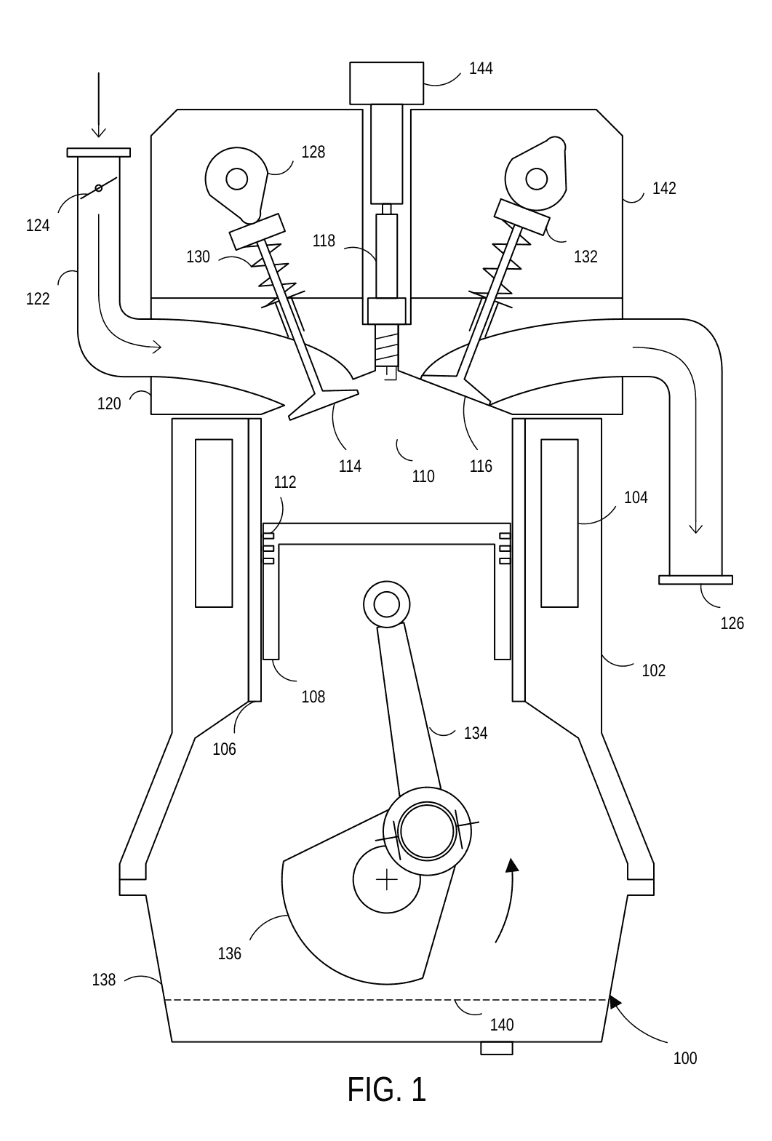
The Figure (Flowchart/Block Diagram) mode has been updated. It now drafts a much wider range of figures, from large flowcharts and detailed block diagrams to simple illustrations, as editable Visio files.
Essential updates, tips, tricks, prompts, and use cases for LLM Sandbox users.
The Figure (Flowchart/Block Diagram) mode has been updated. It now drafts a much wider range of figures, from large flowcharts and detailed block diagrams to simple illustrations, as editable Visio files.
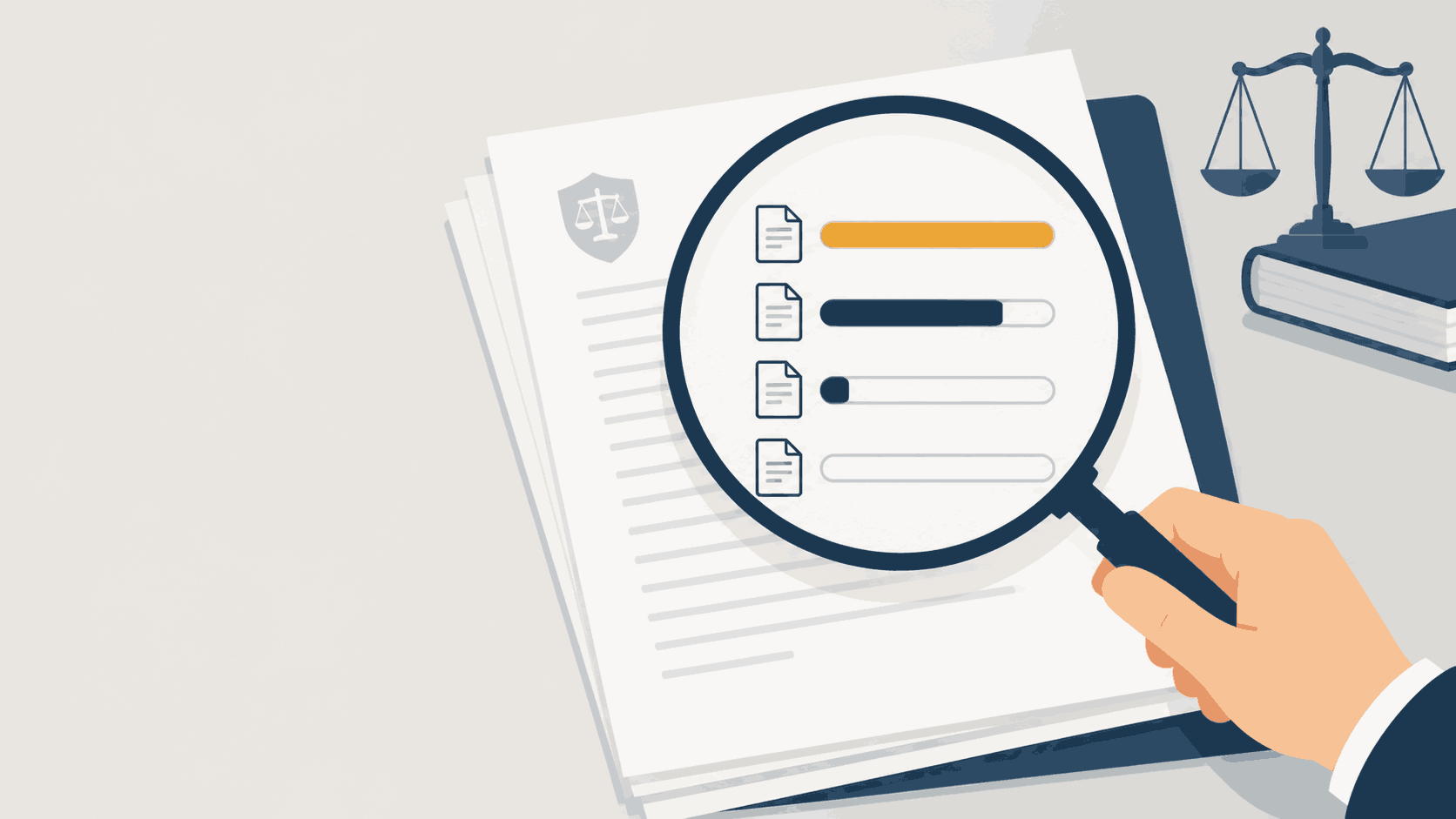
Context retrieval has been rebuilt: the Sandbox now decides, per request, whether each of your documents is loaded in full, extracted by section, sampled, or set aside, and a new Context report shows you exactly what was read. Conversation saving is also overhauled, with named conversations, one-click Save, and an Autosave option. This issue covers how to adjust your habits, with walkthroughs for an Office Action response and an application draft.
In this edition of The LLM Sandbox Newsletter, we discuss the recent updates to the Sandbox interface and the deeper control they give you over conversation management: deleting individual turns, saving turns to context, and compressing a long conversation into a single summary. Plus a light mode, at last.
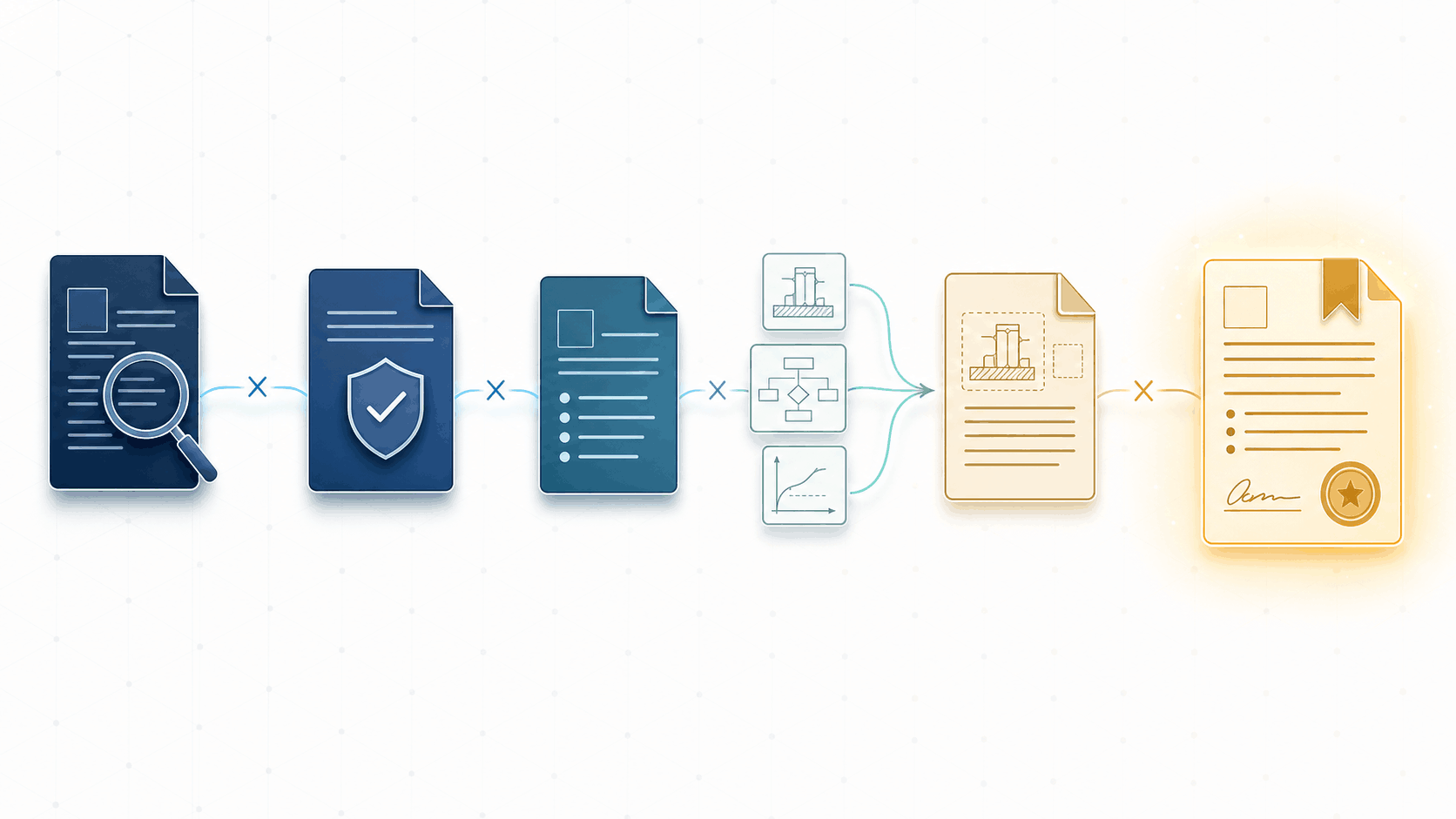
The most effective way to draft a patent application with the LLM Sandbox isn’t a single marathon conversation. It’s a pipeline: discrete stages, each starting from a clean slate, each consuming only the finalized artifacts it needs. This issue covers the workflow pattern that emerged from hundreds of applications over thousands of hours, why it works (error prevention, cost savings, modularity), and how features like the Custom Prompt Library and the Word add-in make each stage repeatable and efficient.
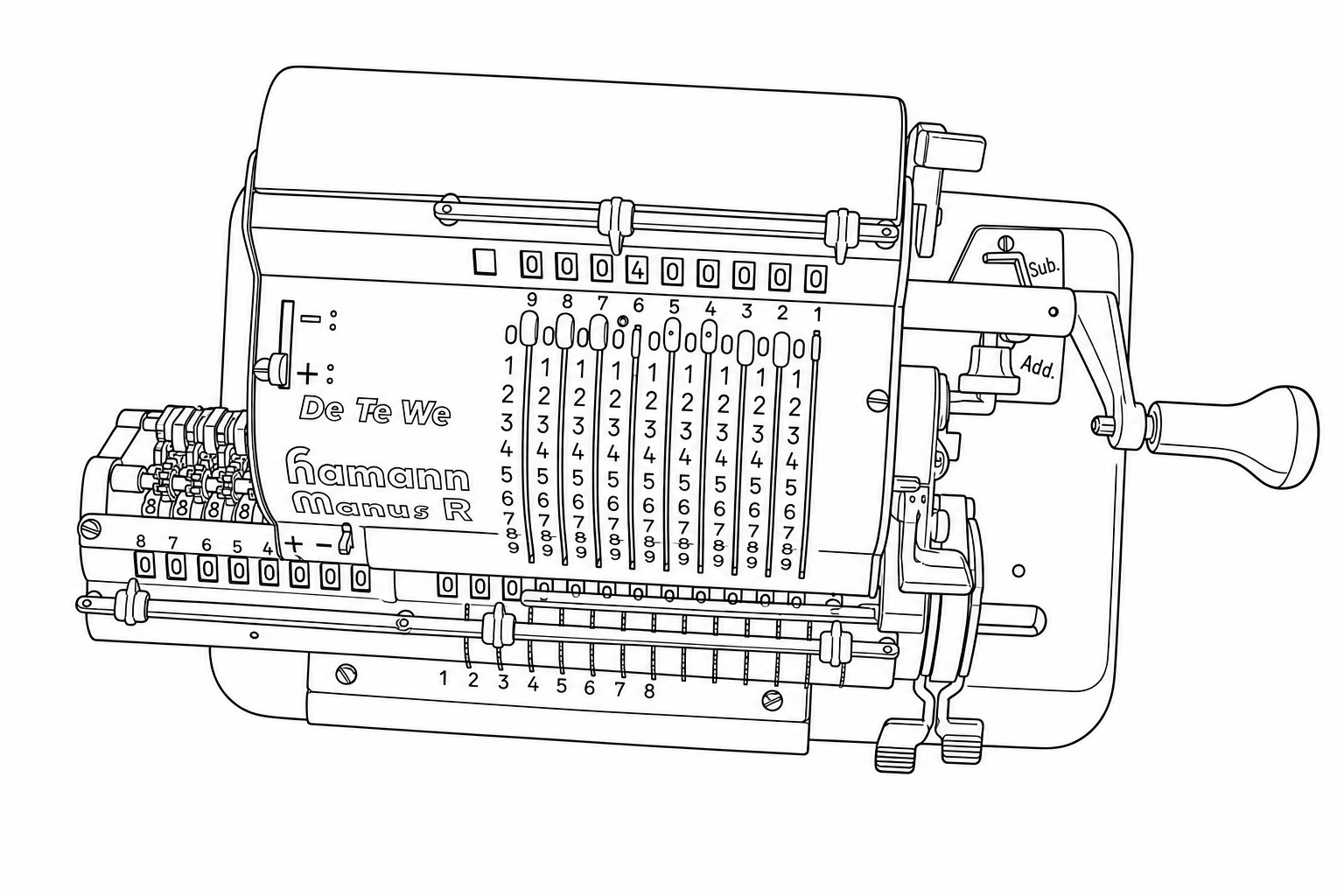
Converting photographs into patent-ready line drawings, what actually matters (resolution, prompt strategy, and when to let the Sandbox infer), tested systematically across nine conditions.
Introducing the LLM Sandbox Newsletter — a publication for patent practitioners who want to get more out of the Sandbox. Every two weeks: a feature highlight, real-world workflow tips, and a changelog.